A very ghetto Raspberry Pi setup
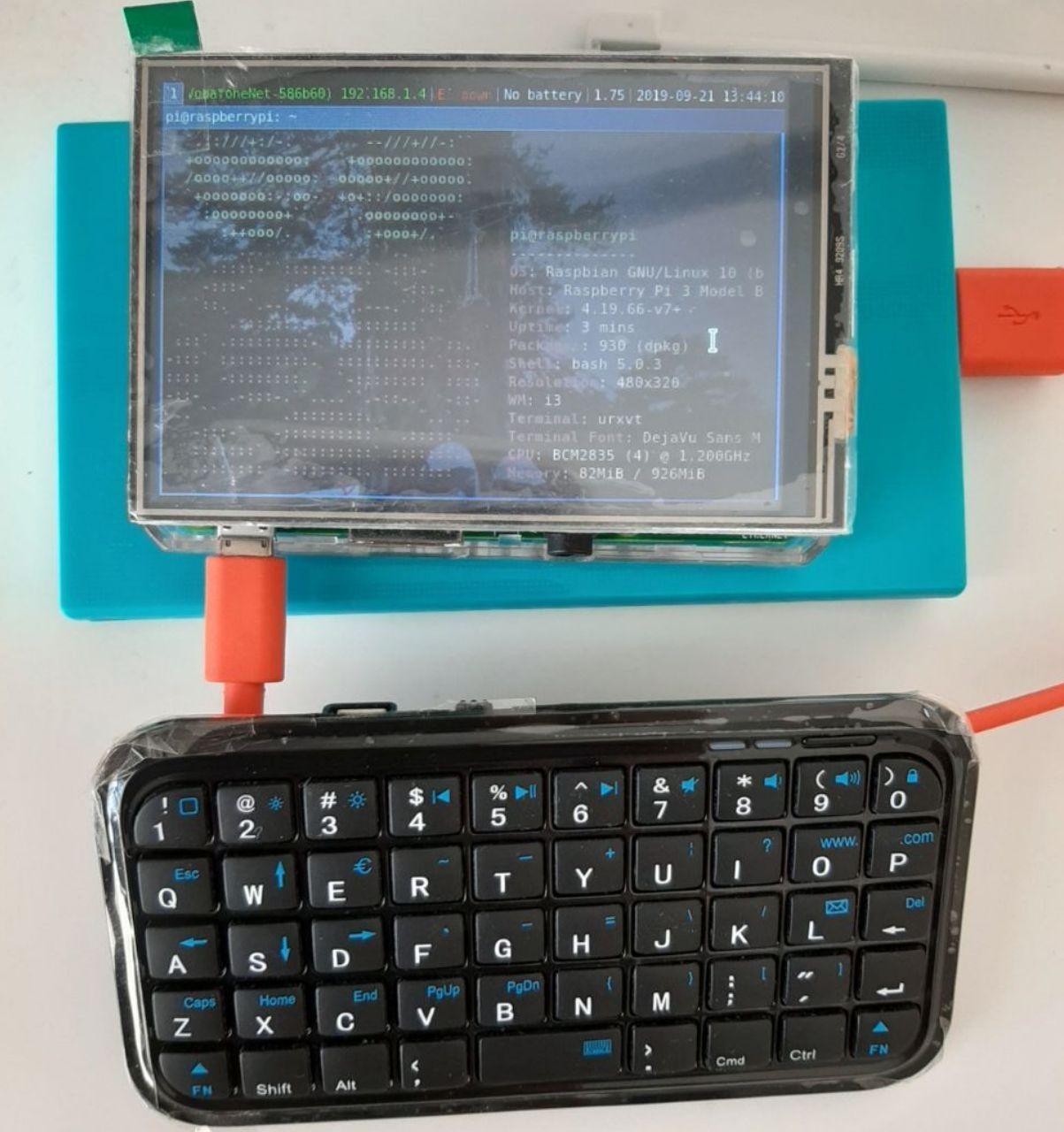
Here is the Ghetto-Pi running i3
Hardware
- Raspberry Pi 3b+
- 3.5" TFT screen
- A 5Ah smartphone powerbank with 5V and 1.5A as output
- Bluetooth keyboard of unknown brand
- Enclosure: Who needs enclosure? We are ghetto, we don’t own a 3D printer.
All of the above are from Aliexpress.
Software
I didn’t want to have issues with the TFT’s drivers so I chose the recommended distro, that is Raspbian. And because I wanted no DE to start with I flashed the minimal ISO.
For the touchscreen drivers cloned the repo:
git clone https://github.com/waveshare/LCD-show.git
This part requires network connection:
chmod +x LCD35-show
./LCD35-show
Installed Xorg, i3wm and dmenu:
sudo apt-get install xserver-xorg xserver-xorg-video-fbturbo xinit i3 dmenu
Bluetooth on the Pi was weird. The systemd service throws errors and shows inactive but it still works.
kernal@raspberrypi:~ $ bluetoothctl
[bluetooth]# power on
[bluetooth]# agent on
[bluetooth]# scan on
[bluetooth]# pair <mac from scan here>
[bluetooth]# trust <mac>
The last line is so that the Pi auto-connects to the keyboard.